
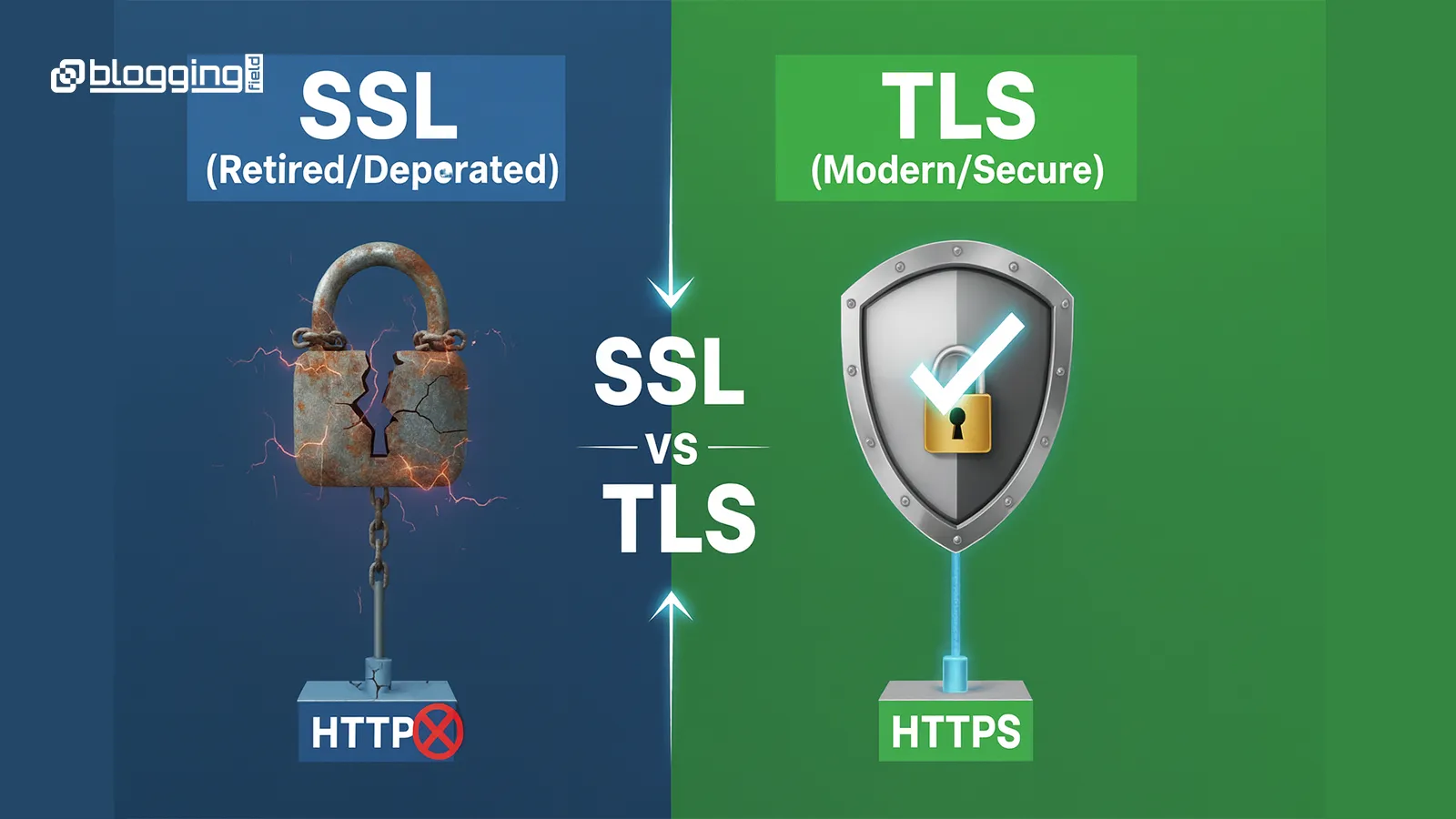
Do You Need SSL for WordPress Website?
What Is SSL?
When SSL is installed:
your URL shows https://
a padlock icon appears in the browser
users trust your website
Without SSL, modern browsers show security warnings.
Why SSL Is Important for WordPress Websites
1. Google Ranking Factor
Google officially considers HTTPS a ranking signal.
Websites without SSL struggle to rank because Google prefers secure websites.
2. Visitor Trust
Imagine a customer visiting your business website and seeing Not Secure.
They will not fill a contact form or make a purchase.
SSL helps:
build trust
increase conversions
reduce bounce rate
3. Protects User Data
Even small websites collect data through:
login pages
newsletter subscriptions
SSL encrypts this information so it cannot be intercepted.
4. Required for Online Payments
If you run a WooCommerce store, SSL is mandatory.
Payment gateways like Razorpay, Stripe, and PayPal require HTTPS.
5. Browser Warning Removal
Without SSL, browsers show:
“Your connection is not private”
This warning alone can reduce visitors dramatically.
How to Check If Your Website Has SSL
Very simple:
Open your website in a browser and look at the address bar.
Padlock icon → SSL active
Not Secure → SSL missing
How to Install SSL in WordPress (Step-by-Step)
Step 1: Get Free SSL from Hosting
Most hosting providers offer free SSL certificates (Let’s Encrypt).
Login to hosting panel → Security → SSL → Activate
Step 2: Change WordPress URL to HTTPS
Change:
WordPress Address (URL)
Site Address (URL)
from http:// to https://
Step 3: Fix Mixed Content Issues
Install plugin:
Really Simple SSL
It automatically fixes mixed content errors.
Step 4: Update Sitemap & Search Console
After activating SSL:
Open Google Search Console
Add new property with HTTPS
Resubmit sitemap
Does SSL Affect Website Speed?
Common SSL Problems
Mixed content errors
Redirect loops
Images not loading
Sitemap issues
All can be solved using proper plugin configuration.