Introduction
Website speed plays a crucial role in the success of any WooCommerce store. In today’s competitive eCommerce market, even a one-second delay in page load time can significantly reduce conversions, increase bounce rates, and negatively impact search engine rankings. Google prioritizes fast-loading websites, and customers expect smooth, instant shopping experiences—especially on mobile devices.
WooCommerce, while powerful and flexible, can become slow if not properly optimized. Heavy themes, unoptimized images, too many plugins, and poor hosting are common performance killers. The good news? With the right strategies, you can dramatically improve your WooCommerce store’s speed and performance.
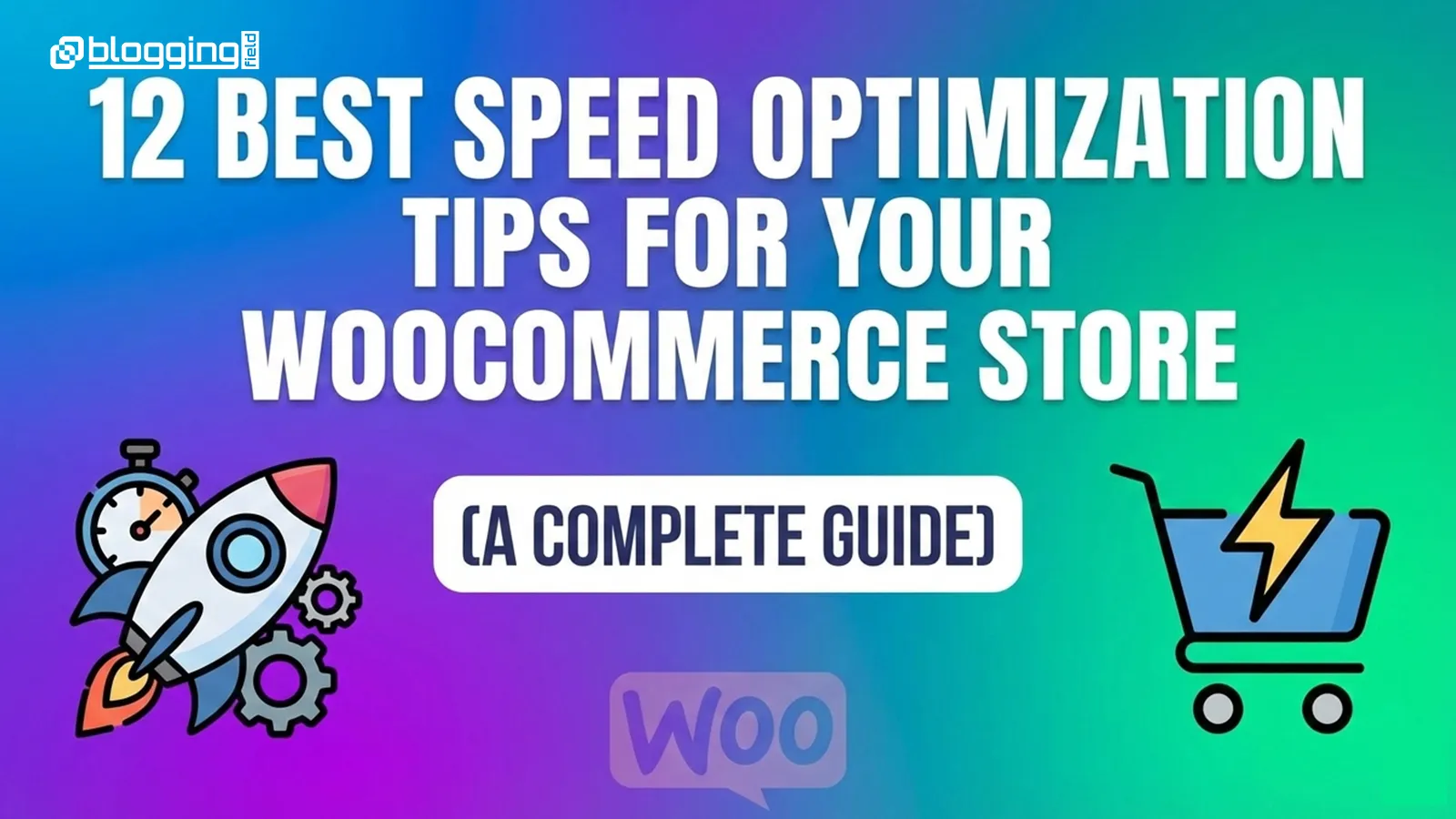
12 proven WooCommerce speed optimization tips
In this complete guide, we’ll walk you through 12 proven WooCommerce speed optimization tips that will help you improve loading times, boost SEO, and increase sales.
1. Choose High-Performance WooCommerce Hosting
Your hosting provider is the foundation of your store’s speed. Shared hosting often lacks the resources needed to handle WooCommerce traffic, especially during peak sales periods. Slow servers lead to longer Time to First Byte (TTFB), which hurts both user experience and SEO.
Opt for managed WooCommerce hosting or cloud-based solutions that offer SSD storage, built-in caching, and server-level optimizations. Providers optimized for WooCommerce ensure faster response times, better scalability, and improved security, making them ideal for growing online stores.
2. Use a Lightweight WooCommerce-Optimized Theme
Not all WordPress themes are built for speed. Many multipurpose themes come with excessive features, scripts, and animations that slow down your site. A lightweight WooCommerce-optimized theme ensures clean code and minimal resource usage.
Choose themes designed specifically for performance, such as those that follow WordPress coding standards and avoid unnecessary JavaScript. A fast theme reduces page load time, improves Core Web Vitals, and enhances the overall shopping experience.
3. Optimize Images Without Losing Quality
Images make your products visually appealing, but large image files can drastically slow down your store. Unoptimized product images are one of the most common causes of slow WooCommerce sites.
Compress images using modern formats like WebP and ensure proper image dimensions. Lazy loading images ensures that visuals load only when users scroll, reducing initial page load time and improving perceived performance across product and category pages.
4. Enable Caching for WooCommerce Pages
Caching is essential for improving website speed by serving static versions of your pages instead of generating them dynamically every time. However, WooCommerce requires smart caching because cart, checkout, and account pages must remain dynamic.
Use WooCommerce-compatible caching plugins or server-level caching solutions that automatically exclude sensitive pages. Proper caching significantly reduces server load and improves page speed for returning visitors.
5. Minify CSS, JavaScript, and HTML Files
Every extra line of code increases file size and load time. Minification removes unnecessary spaces, comments, and characters from CSS, JavaScript, and HTML files without affecting functionality. By reducing file sizes, browsers can load your store faster. This optimization is especially effective for WooCommerce stores with multiple scripts running for cart updates, product filters, and checkout processes.
6. Reduce the Number of WooCommerce Plugins
While plugins extend functionality, too many plugins—especially poorly coded ones—can slow down your store. Each plugin adds scripts, styles, and database queries that increase load time. Audit your plugins regularly and remove anything unnecessary. Replace multiple plugins with all-in-one performance tools when possible. Fewer plugins mean faster load times and fewer conflicts.
7. Optimize WooCommerce Database Regularly
WooCommerce stores generate large amounts of data, including product revisions, expired transients, session data, and order logs. Over time, this cluttered database slows down queries and affects performance. Regular database optimization cleans unnecessary data, improves query efficiency, and ensures faster page loads. Automated database cleanup keeps your store running smoothly without manual effort.
8. Use a Content Delivery Network (CDN)
A CDN distributes your website’s static files across multiple global servers. When users visit your store, files are served from the nearest server location, reducing latency and load time. For WooCommerce stores with international customers, a CDN dramatically improves performance and reliability. It also reduces server load and enhances security by protecting against traffic spikes and DDoS attacks.
9. Optimize WooCommerce Checkout Page
The checkout page is where conversions happen, and even slight delays can cause cart abandonment. WooCommerce checkout often loads extra scripts for payments, shipping calculations, and validation. Streamline the checkout by removing unnecessary fields, disabling unused payment gateways, and optimizing scripts. A faster checkout experience leads to higher conversions and improved customer satisfaction.
10. Enable GZIP or Brotli Compression
Compression reduces file sizes before they are sent from the server to the user’s browser. Enabling GZIP or Brotli compression significantly decreases page load time by reducing data transfer size. Most modern hosting providers support compression at the server level. This simple optimization improves performance without affecting website functionality.
11. Optimize WooCommerce for Mobile Performance
Mobile shoppers make up a large percentage of eCommerce traffic. A slow mobile experience can severely impact sales and SEO rankings, especially with Google’s mobile-first indexing. Use responsive design, reduce mobile scripts, and test performance on different devices. Optimizing for mobile ensures fast load times, smooth navigation, and better conversion rates on smartphones.
12. Monitor Performance Using Speed Testing Tools
Speed optimization is an ongoing process. Regularly test your WooCommerce store using tools like Google PageSpeed Insights, GTmetrix, and Lighthouse to identify performance issues. Monitoring Core Web Vitals such as LCP, CLS, and INP helps you stay ahead of SEO updates and ensure consistent performance improvements over time.
Conclusion
Speed optimization is not optional for WooCommerce stores—it’s essential for success. A fast-loading store improves SEO rankings, enhances user experience, reduces cart abandonment, and increases revenue. By implementing these 12 WooCommerce speed optimization tips, you can build a high-performing online store that customers love and search engines reward.
Frequently Asked Questions (FAQs)
Why is my WooCommerce store slow?
Common reasons include poor hosting, unoptimized images, heavy themes, excessive plugins, and lack of caching or CDN support.
What is the best way to speed up WooCommerce?
Start with high-quality hosting, enable caching, optimize images, reduce plugins, and use a CDN. These steps deliver the biggest performance gains.
Does WooCommerce speed affect SEO?
Yes, site speed is a confirmed Google ranking factor. Faster WooCommerce stores rank higher and provide better user experiences.