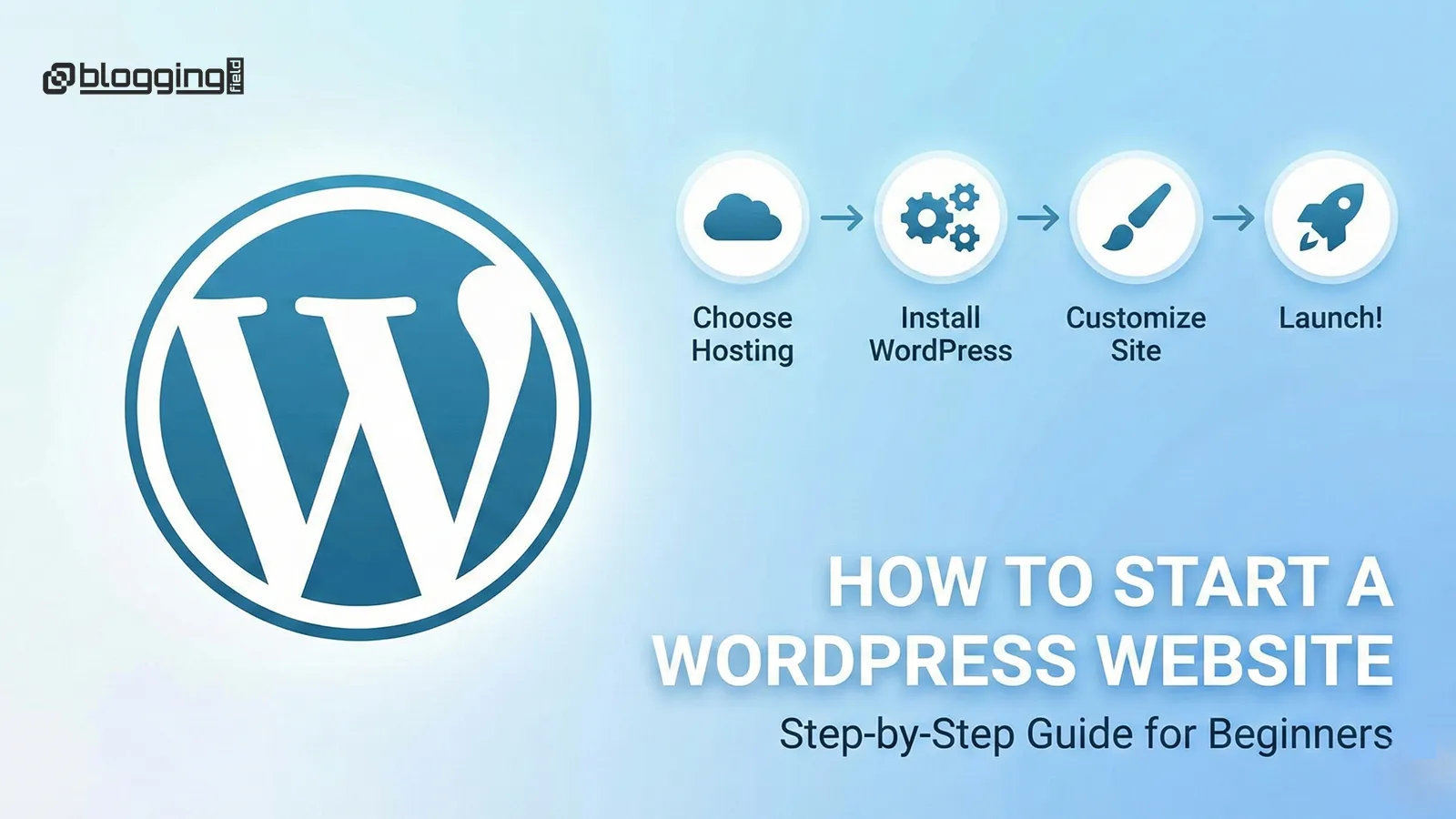
Starting a WordPress website in 2025 is easier and more affordable than ever, thanks to improved hosting technologies, user-friendly tools, and thousands of design options available at your fingertips. Whether you’re launching a business website, personal blog, eCommerce store, or portfolio, WordPress offers the perfect blend of flexibility, scalability, and control. This detailed step-by-step guide will walk you through everything you need—from choosing a domain name to customizing your site and optimizing it for SEO. By the end of this guide, you’ll have a fully functional, professional WordPress website ready to go live.
Choosing a domain name is the first and most important step in building your WordPress website. Your domain represents your brand online, so it should be easy to spell, memorable, and aligned with your business goals. Domains ending in .com continue to be the most trusted globally, but alternatives like .net, .co, and .in are also solid choices depending on availability. Use a short name, avoid complex hyphens, and include a keyword if relevant to boost your SEO. Once finalized, register your domain using a reliable domain provider such as Namecheap, Bluehost, Hostinger, or GoDaddy.
Your web hosting determines your website’s performance, speed, uptime, and overall user experience. In 2025, top hosting providers offer advanced features such as LiteSpeed caching, NVMe storage, enhanced security layers, and 24/7 technical support. You can choose between shared hosting, cloud hosting, managed WordPress hosting, or VPS hosting based on your budget and traffic needs. Providers like Bluehost, SiteGround, Hostinger, and WP Engine remain popular for their reliability, WordPress compatibility, and one-click installation options. Make sure your hosting plan includes SSL certificates, daily backups, and malware scanning for enhanced security.
After purchasing hosting, installing WordPress is incredibly simple. Most hosting dashboards now include a one-click WordPress Installer that sets up your site within minutes. All you need to do is log in to your hosting account, navigate to the WordPress Installer, choose your domain, and click “Install.” Once installation is complete, you can access your WordPress dashboard by visiting yourdomain.com/wp-admin. This dashboard will act as the control center for your website, where you’ll manage content, plugins, themes, and settings.
Your WordPress theme defines your website’s layout, design, and overall visual appeal. In 2025, lightweight, SEO-optimized themes like Astra, GeneratePress, Blocksy, Kadence, and Neve are among the top choices. These themes offer fast loading times, customizable templates, and compatibility with the latest WordPress block editor (Gutenberg). When selecting a theme, choose one that aligns with your brand identity and offers prebuilt layouts for your niche—whether it’s business, blogging, portfolio, or eCommerce. Customize colors, typography, header styles, and layout options to create a unique and professional look.
After installing your theme and plugins, it’s time to customize your website. Start by editing your homepage, adding navigation menus, uploading your logo, creating pages like “About”, “Services”, and “Contact”, and adjusting site settings to match your brand. Use the WordPress Customizer or page builders like Elementor if you prefer a drag-and-drop experience. Ensure your design is mobile-friendly, visually appealing, and easy to navigate.
SEO (Search Engine Optimization) is crucial for ranking your website on Google. Start by installing an SEO plugin like Rank Math or Yoast SEO and follow their setup wizard. Optimize each page with focus keywords, meta titles, meta descriptions, alt tags, and internal links. Submit your website to Google Search Console and create an XML sitemap to help search engines crawl your site faster. Also, focus on high-quality backlinks, fast loading speed, and mobile responsiveness to improve overall ranking.
Website security is essential to protect your site from hackers, malware, and vulnerabilities. Install a security plugin like Wordfence or Sucuri, enable two-factor authentication, and keep your theme, plugins, and WordPress version updated regularly. Use strong passwords, avoid pirated themes/plugins, and enable SSL to encrypt user data. Regular scanning and backups will ensure your website stays safe.
Once you’ve completed all setup steps, customized your design, optimized your content, and checked your website’s performance, it’s time to launch. Announce your website on social media, email newsletters, and business directories. Monitor website traffic using Google Analytics and make improvements over time based on user behavior and performance insights. With consistent updates, fresh content, and SEO optimization, your WordPress website will grow into a successful digital asset.
Starting a WordPress website in 2025 is one of the smartest choices you can make for your online presence. With the right hosting, a solid theme, essential plugins, and an optimized SEO setup, you can create a fast, secure, and visually appealing website that stands out. Whether you’re building a personal blog, a portfolio, or a business website, WordPress gives you the flexibility and tools you need to grow. Follow this step-by-step guide, stay consistent with updates and content, and your website will become a powerful digital asset for years to come.